
Beskrivelse
Create frequently repeated elements, such as notice, and do not waste time on a large number of settings. Just select an available style and write content.
Available Elements
- Notices
Benefits
- Simplicity. You only need to choose a style for your block without additional options, which helps to focus on writing an article for your blog.
Skærmbilleder
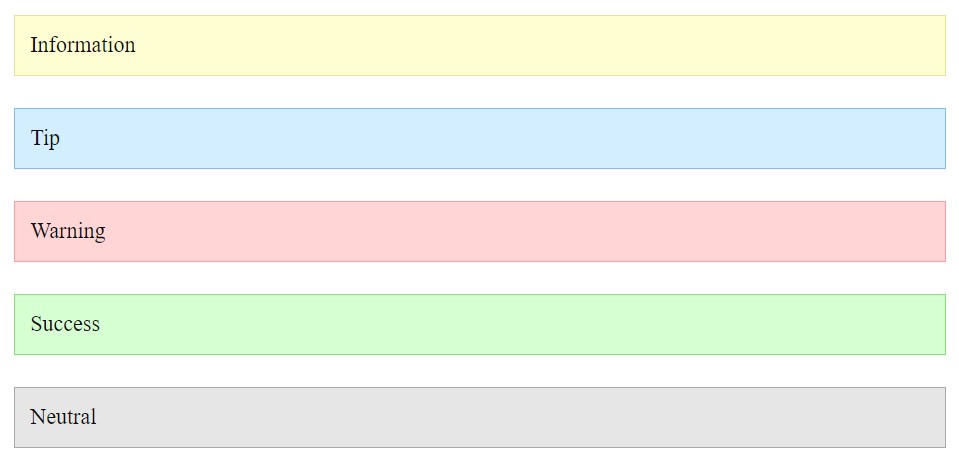
Notices - Frontend 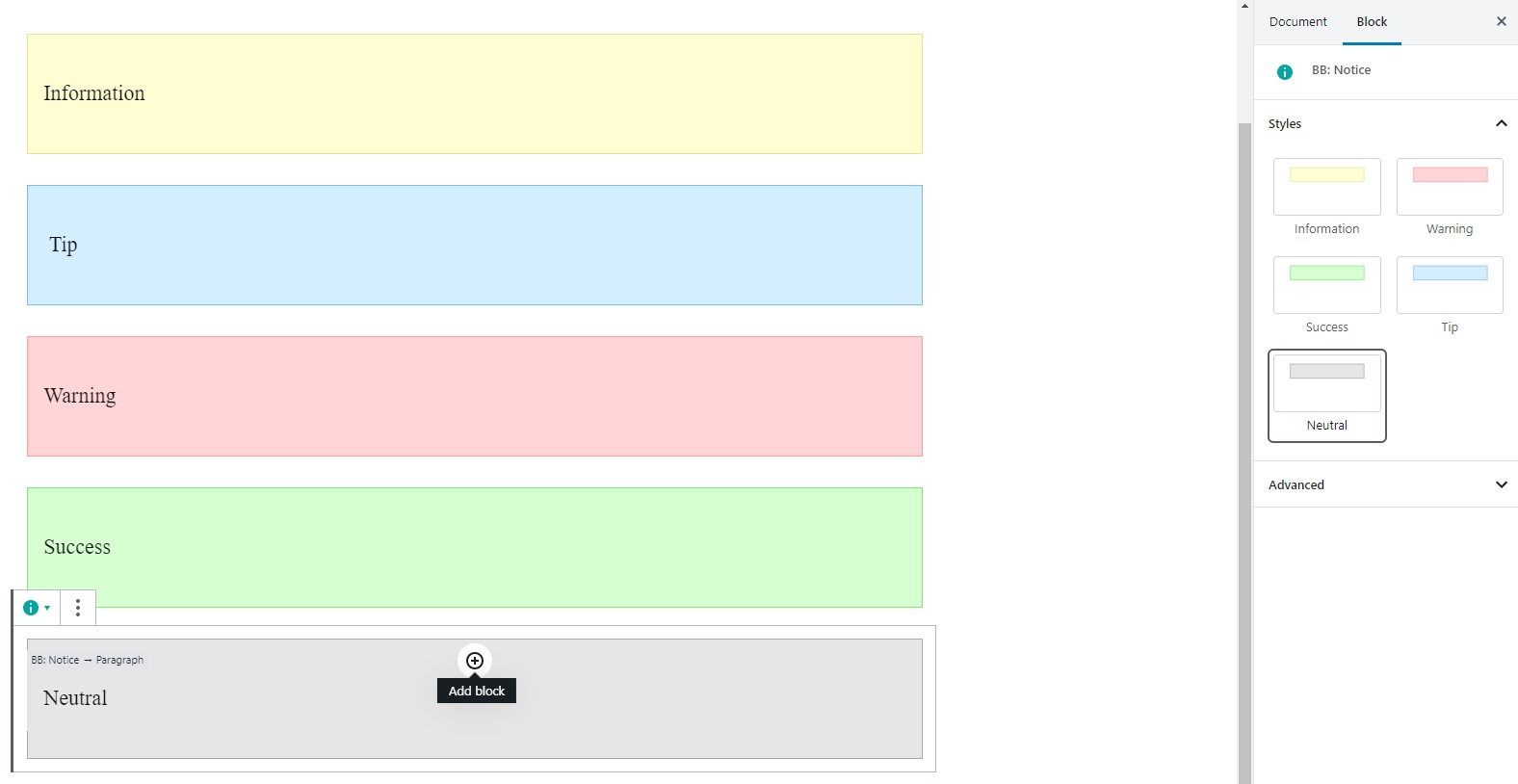
Notices - Gutenberg Editor
Blokke
This plugin provides 1 block.
- Blog Blocks - Gutenberg Blocks for Content Writers
Installation
- Upload zip archeve to the
/wp-content/plugins/directory - Activate the plugin through the ‘Plugins’ menu in WordPress
FAQ
- How to change notice color?
-
Select a specific style for your notice. Make sure that you select this block, not the internal one.
Anmeldelser
Der er ingen anmeldelser for denne widget.
Bidragsydere & udviklere
“Blog Blocks – Gutenberg Blocks for Content Writers” is open source software. The following people have contributed to this plugin.
Bidragsydere
Translate “Blog Blocks – Gutenberg Blocks for Content Writers” into your language.
Interesseret i udvikling?
Gennemse koden, tjek SVN repository, eller abonner på udviklerloggen via RSS.
Ændringslog
1.0.0
- Release