

Beskrivelse
Turn static images into interactive experiences visitors can zoom, magnify, rotate, compare, and explore – all from one Gutenberg block.
Image Viewer | Documentation | Pricing | Support
Why All In One Image Viewer?
Most sites need several plugins to get image zoom, a magnifier, an image map, and a before/after slider. All In One Image Viewer combines multiple image interaction technologies into a single Gutenberg block: Image Zoom, Image Magnifier, Image Map, Image Rotation, Hotspot Annotations, Image Comparison Slider, Zoom Pan Viewer, Image Overlay, Image Masking, Image Transform, Viewport Controls, and Aspect Ratio management – no code required.
Whether you run an eCommerce store, photography portfolio, real estate website, educational platform, art gallery, media site, agency, or business website, this plugin makes it easy to display images in a more engaging and interactive way. It is lightweight, performance-optimized, and works smoothly on desktop, tablet, and mobile – including touch gestures.
Free Features
- Four Image Viewer Modes: Choose from Zoom, Magnify, Map, and Rotation viewer modes to display images the most suitable way for your content.
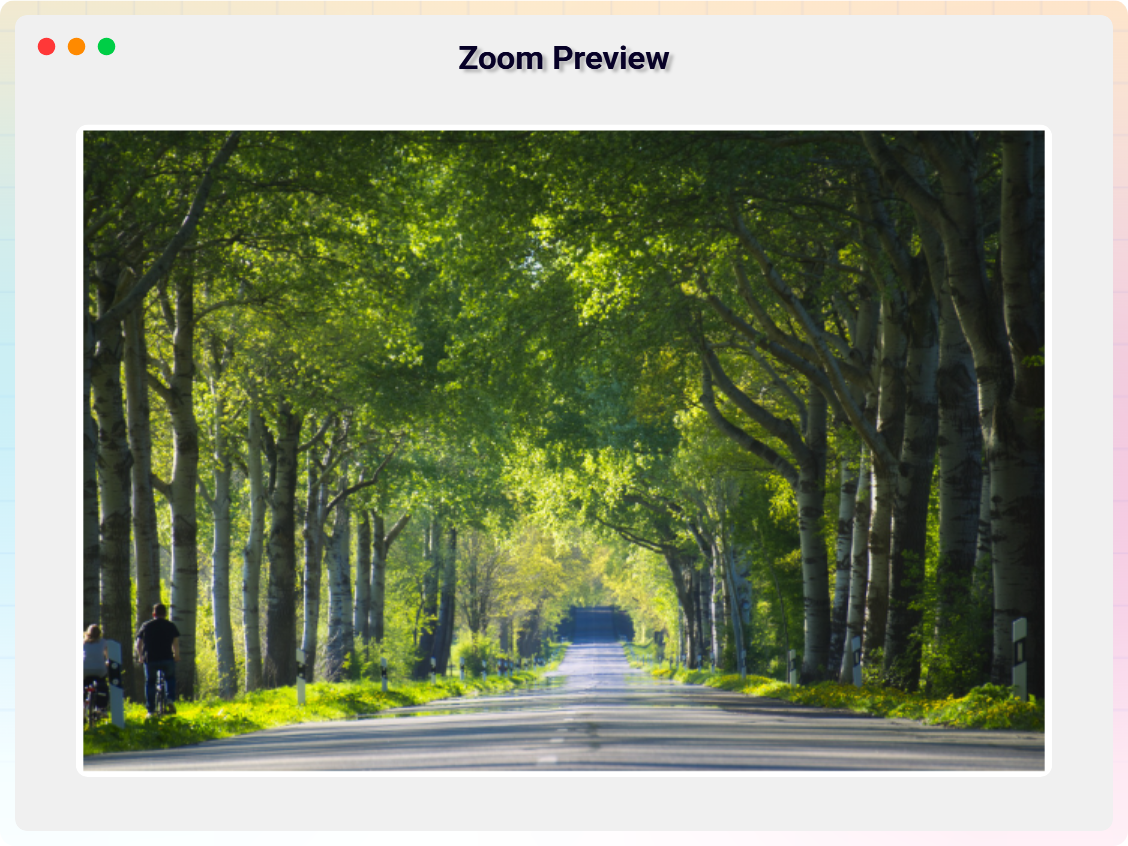
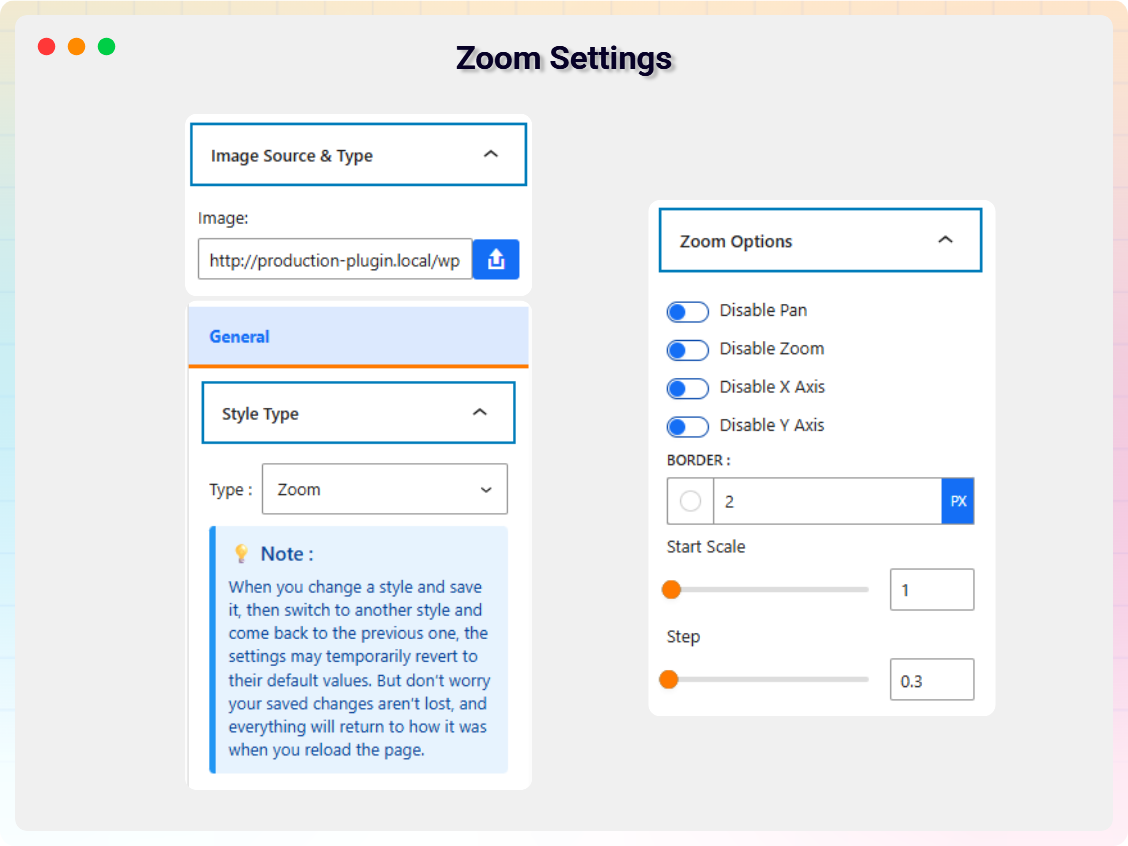
- Zoom Viewer with Full Controls: Enable or disable Pan, Zoom, X-Axis, and Y-Axis; set Start Scale and Zoom Step for precise image inspection.
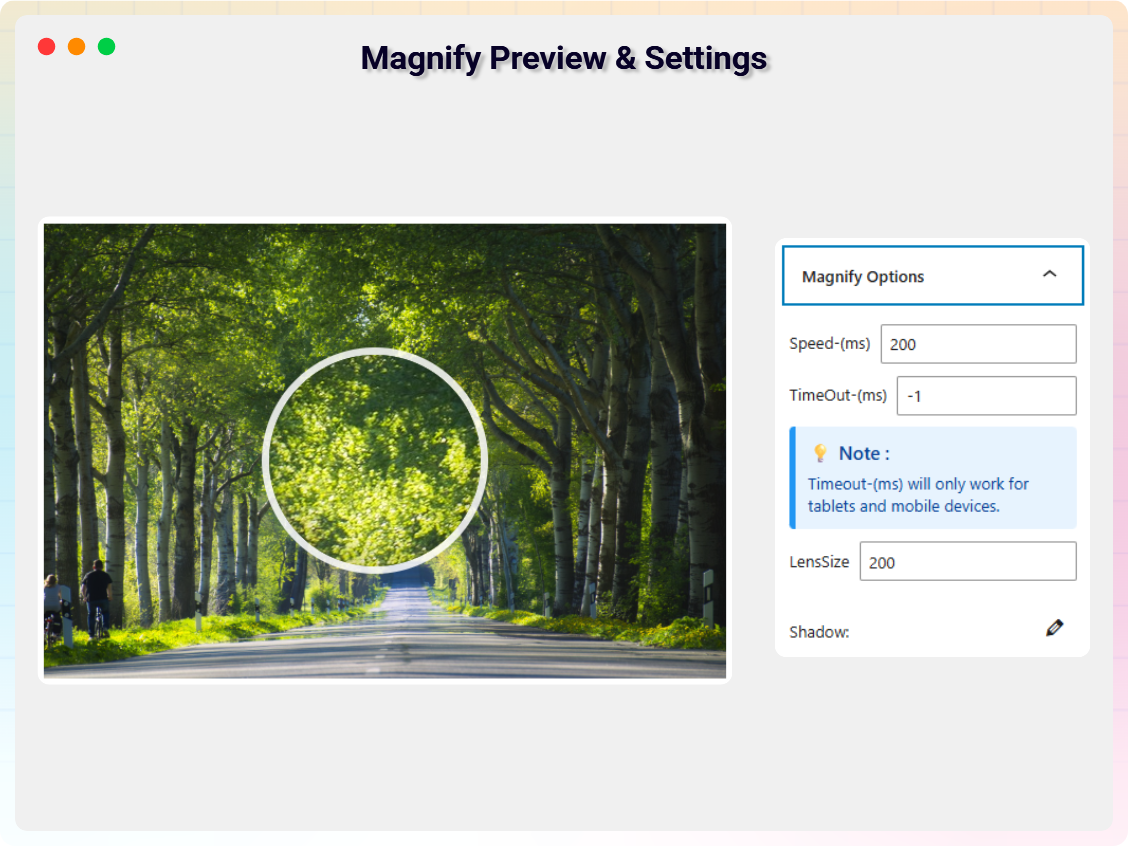
- Magnify Viewer Options: Highlight specific image areas using magnification with adjustable speed and timeout settings.
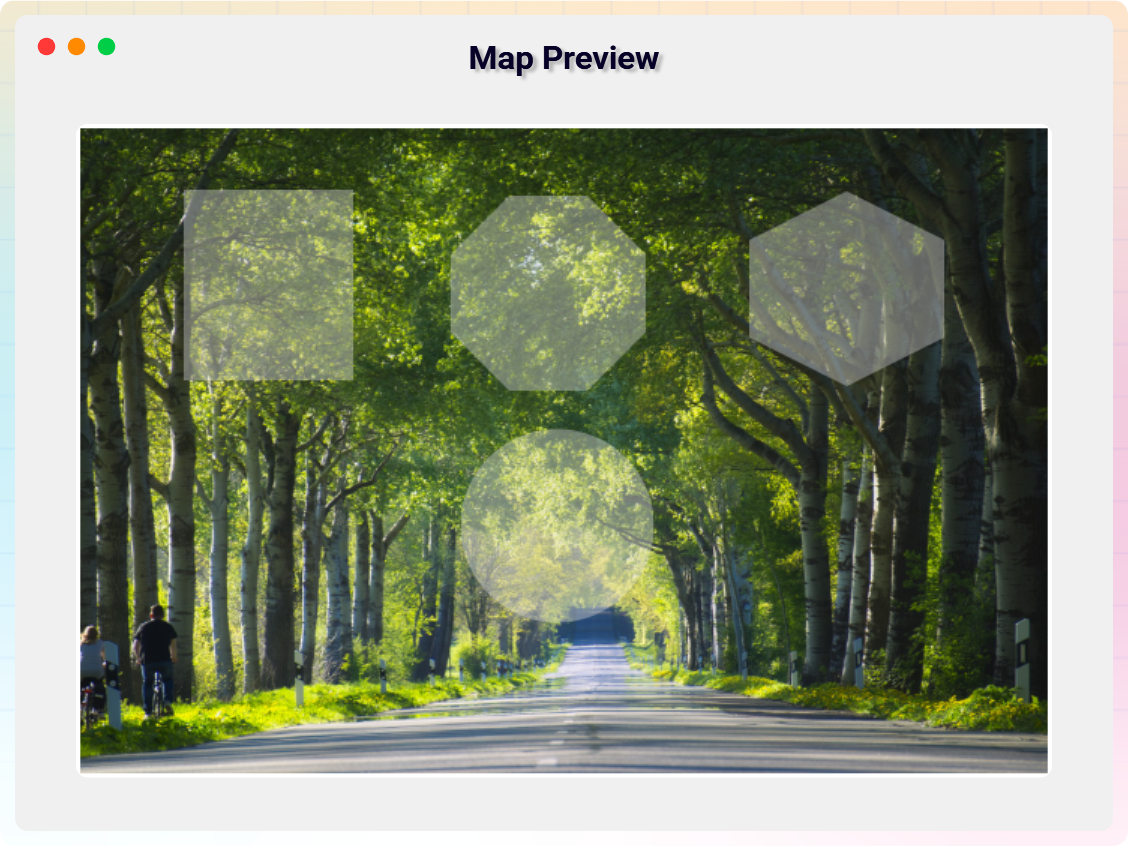
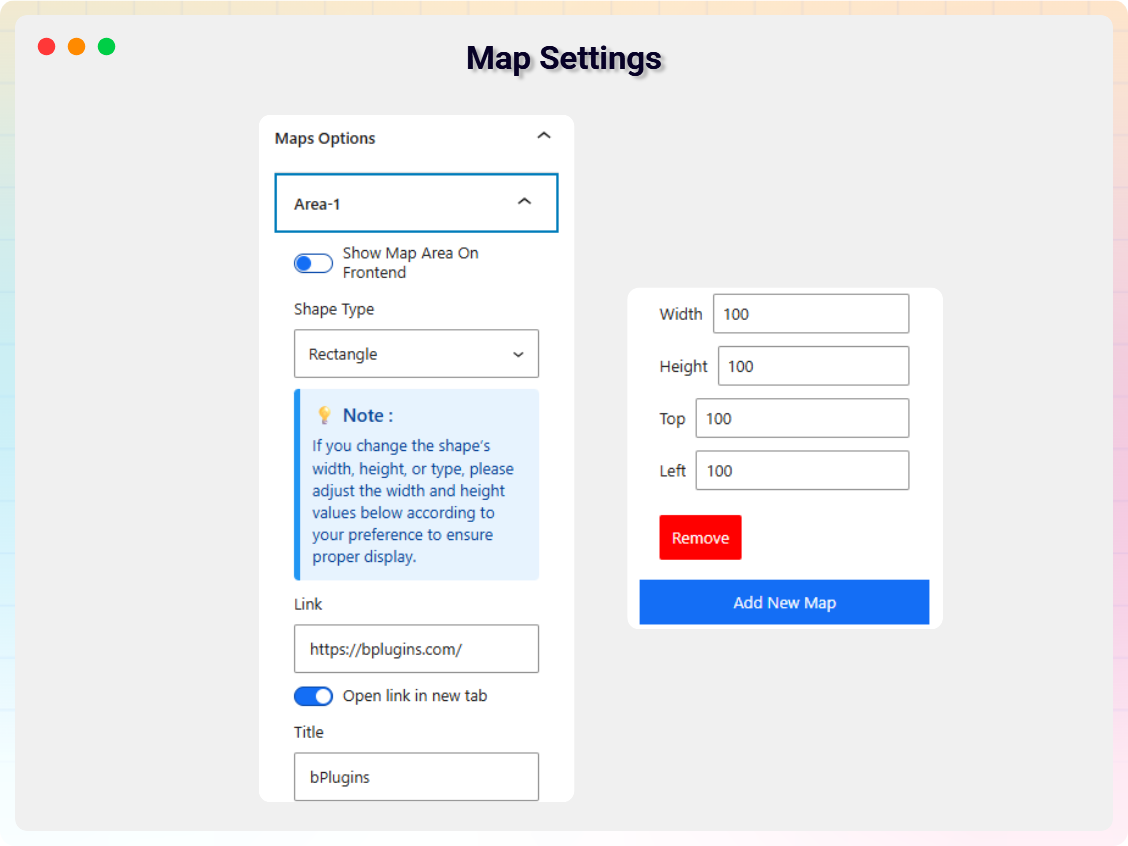
- Interactive Image Map: Add multiple map items with control over link URL, link target, title, width and height, top/left positioning, and drag-and-drop placement.
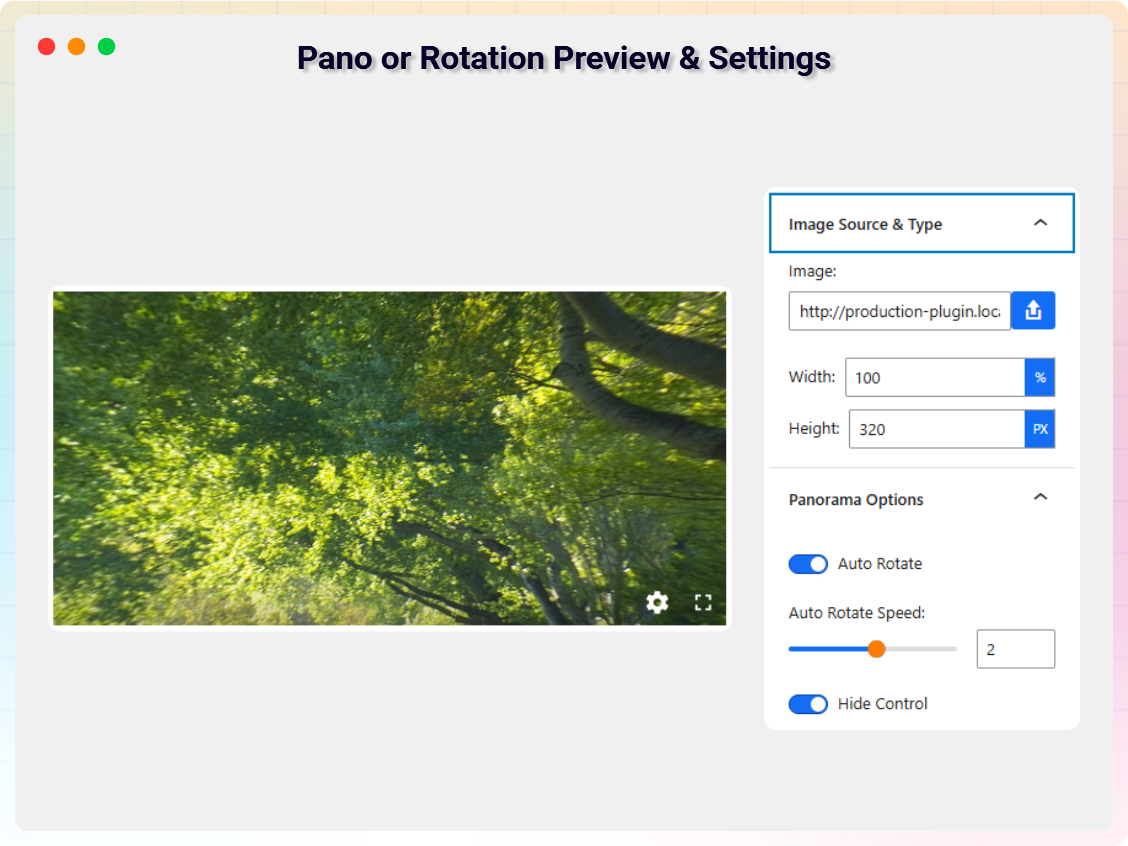
- Rotation Viewer: Rotate images smoothly with custom width/height, auto-rotation on/off, auto-rotate speed, and show/hide rotation controls.
- Responsive & Touch Friendly: Works smoothly on desktop, tablet, and mobile, including touch gestures.
- Unlimited Usage: Use the Image Viewer block as many times as you want across posts and pages.
- Theme Compatibility: Fully compatible with all standard WordPress themes.
- Lightweight & Performance Optimized: Clean, optimized code for fast loading and smooth interaction.
Pro Version
- 9 Premium Viewer Styles: Professionally designed styles for modern, visually appealing image presentation.
- Interactive Image Accordion: Display multiple images in a sleek accordion that expands on hover or click – perfect for portfolios, product features, and team members, with custom titles and descriptions.
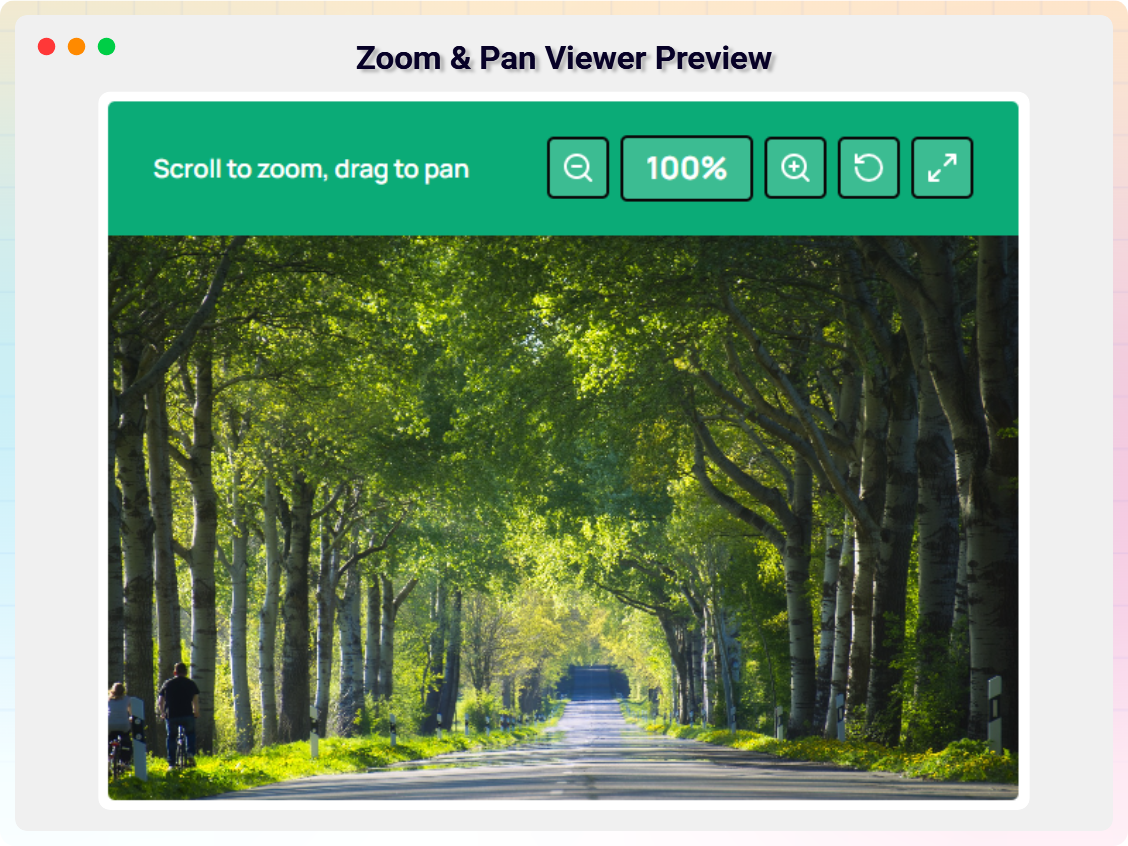
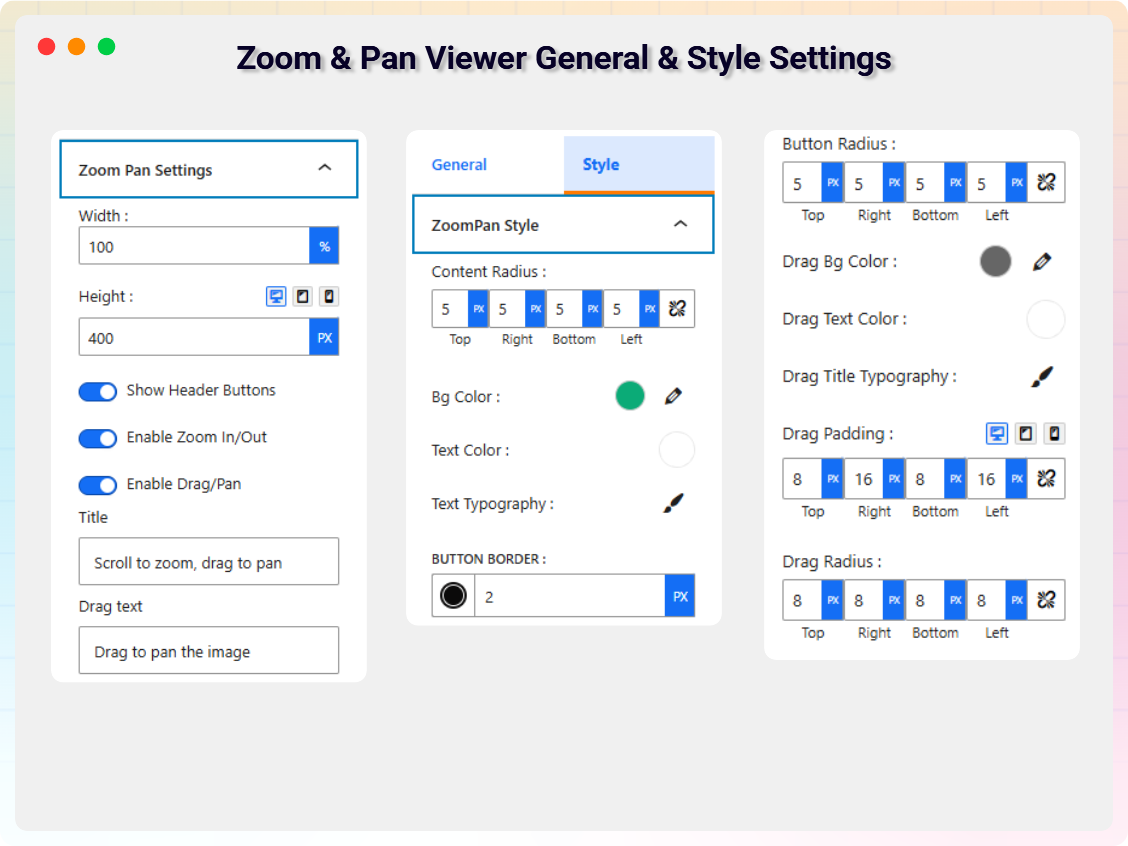
- Zoom Pan Viewer: Advanced zoom and pan with control over viewer size, zoom in/out, drag-and-pan interaction, header buttons, and smooth mouse, scroll, and touch support.
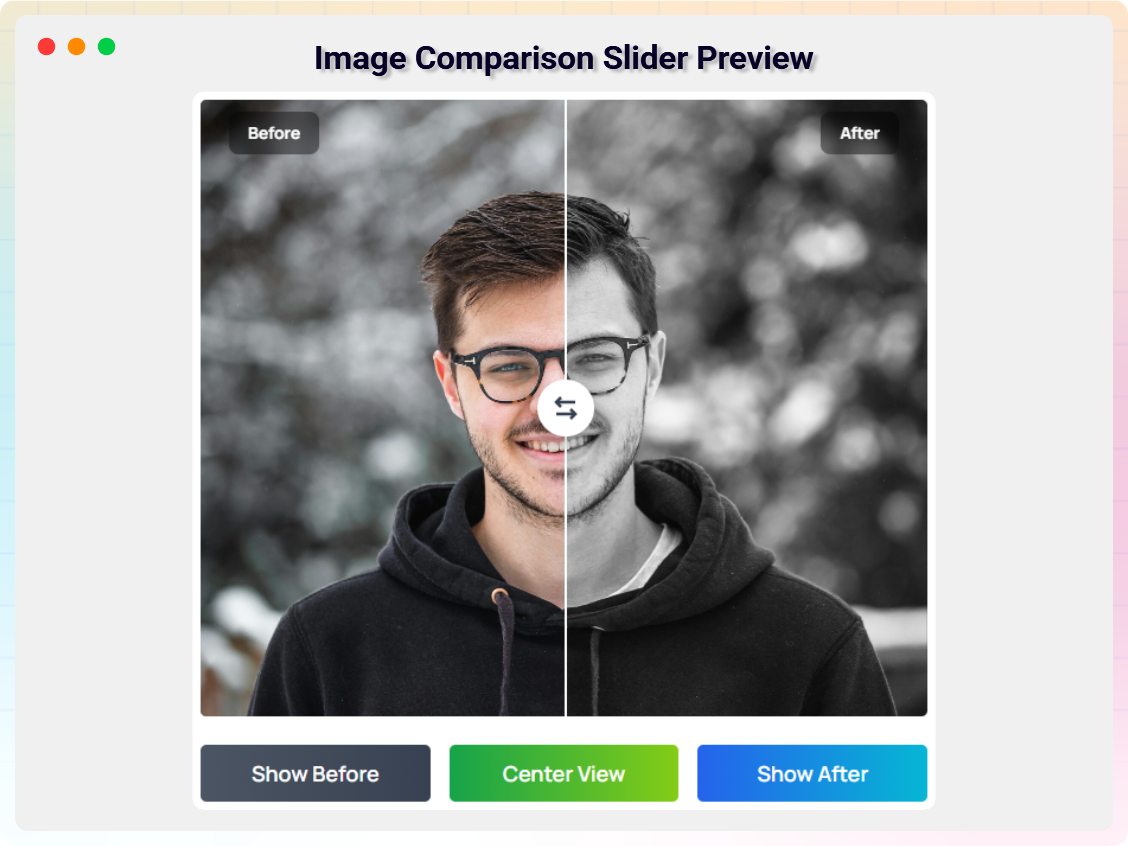
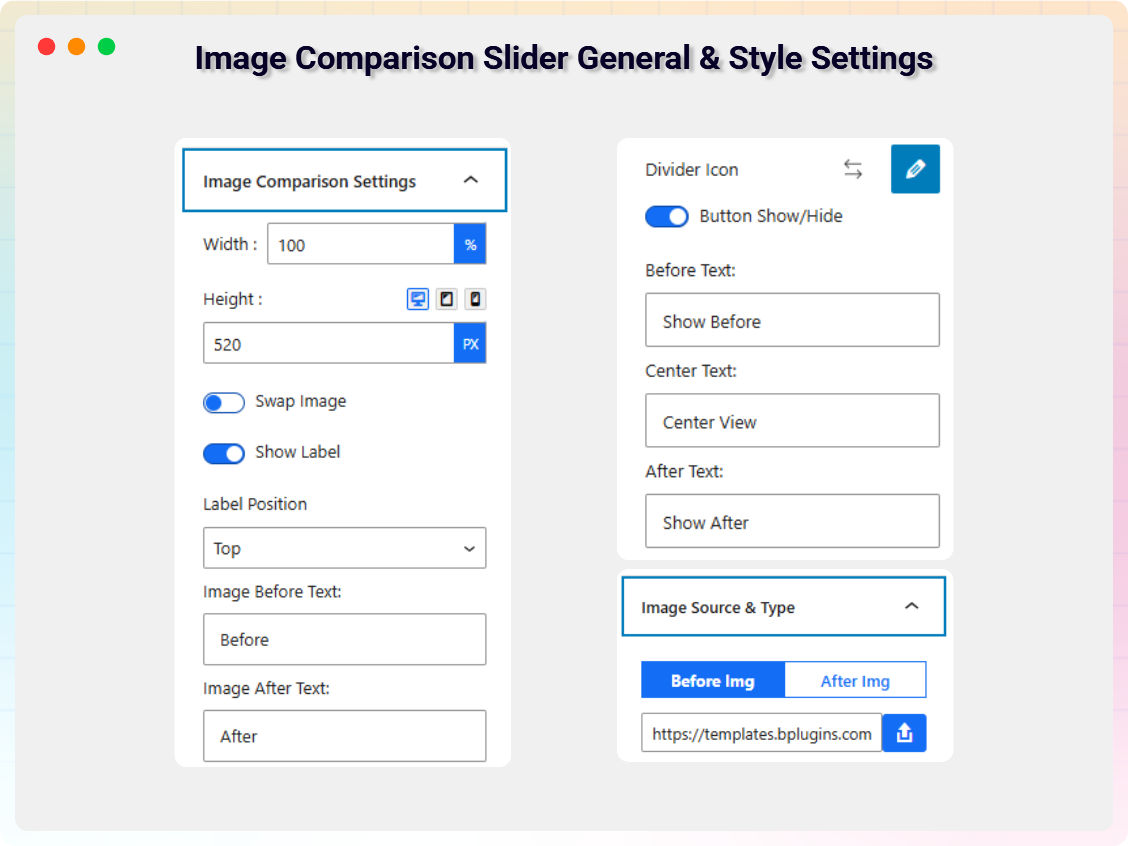
- Image Comparison Slider: Interactive before/after comparison with image swap, label show/hide and positioning, custom before/after texts, divider icon customization, and optional control buttons.
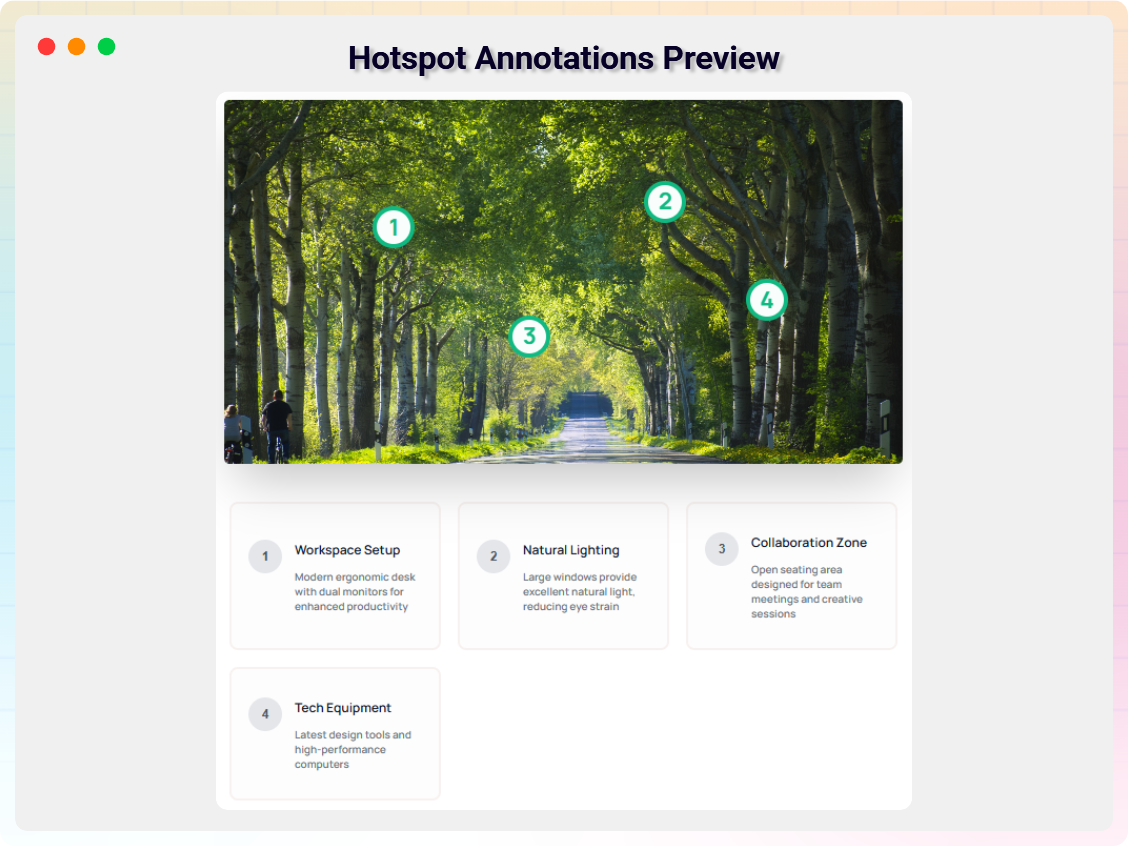
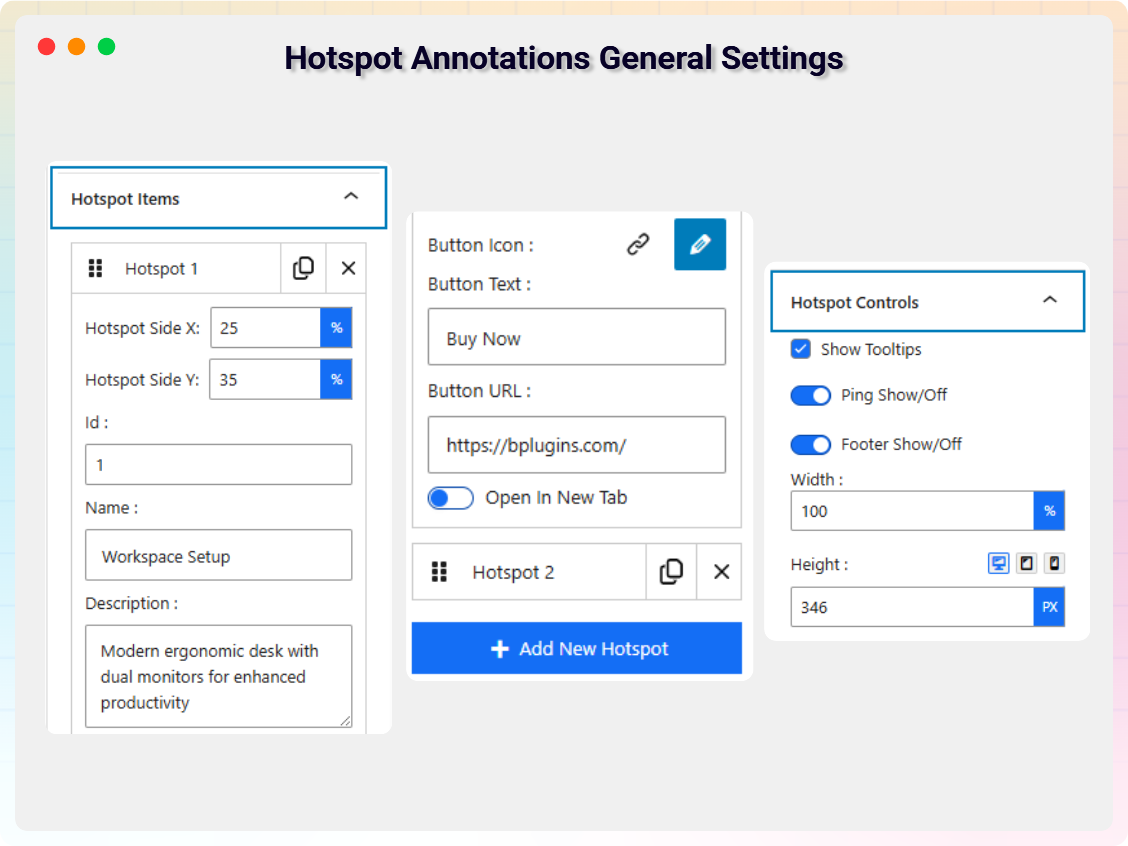
- Hotspot Annotations: Add, delete, and duplicate hotspots with precise X/Y positioning, tooltips, ping animation, custom titles and descriptions, button icon/text, and URL linking.
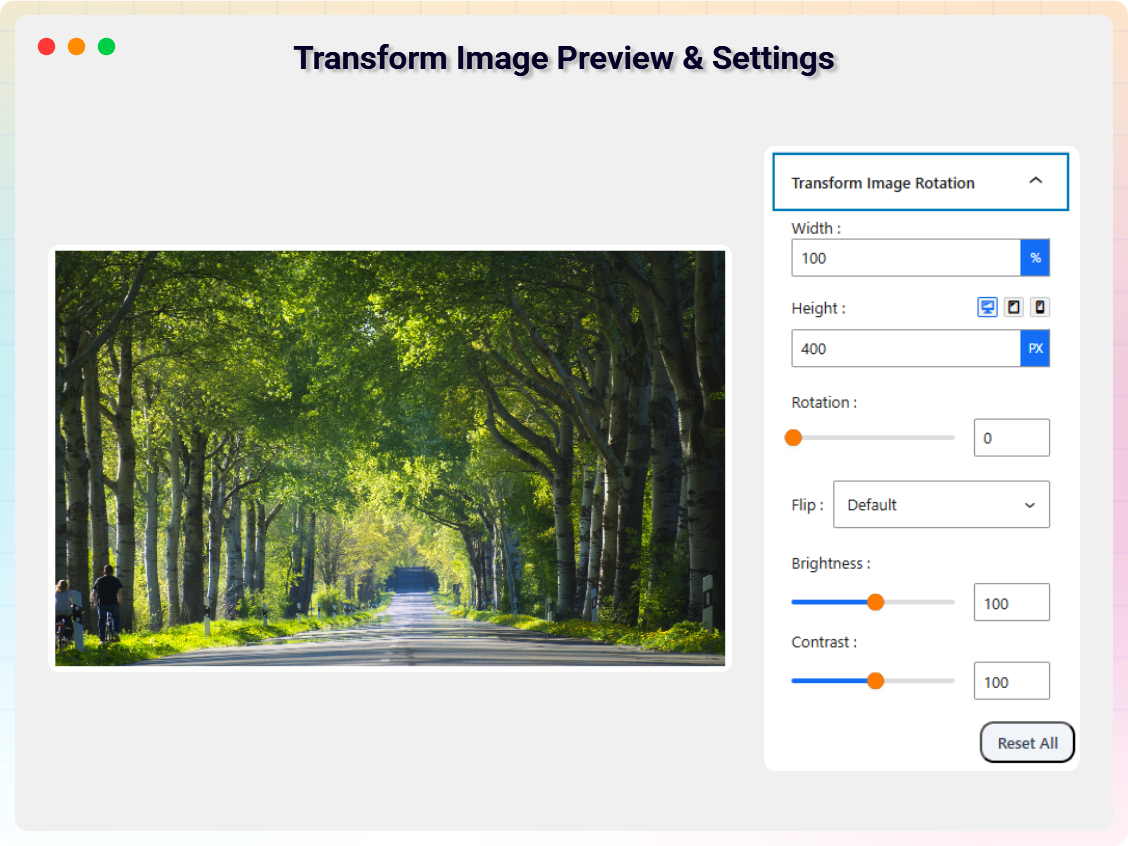
- Transform Image: Rotation angle, flip direction, brightness and contrast adjustment, and one-click reset.
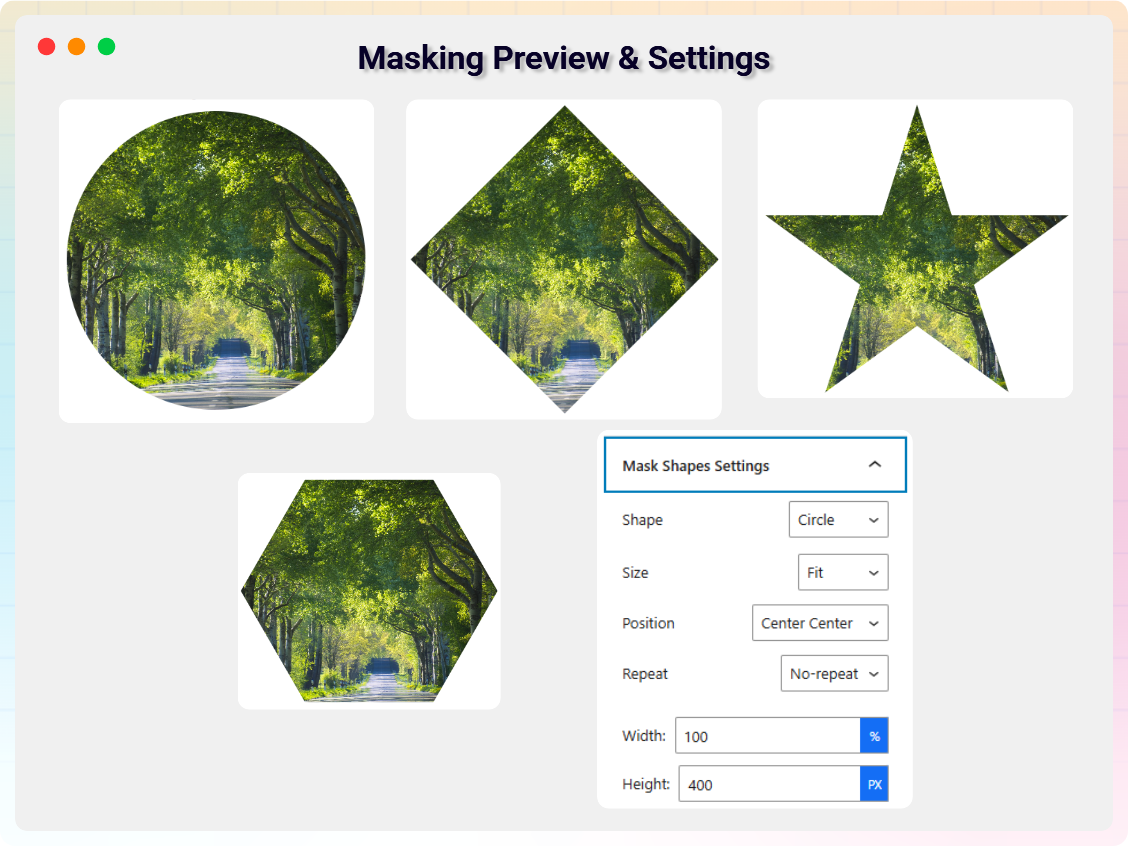
- Masking: Creative image masking with control over mask shape, size, position, repeat behavior, and dimensions.
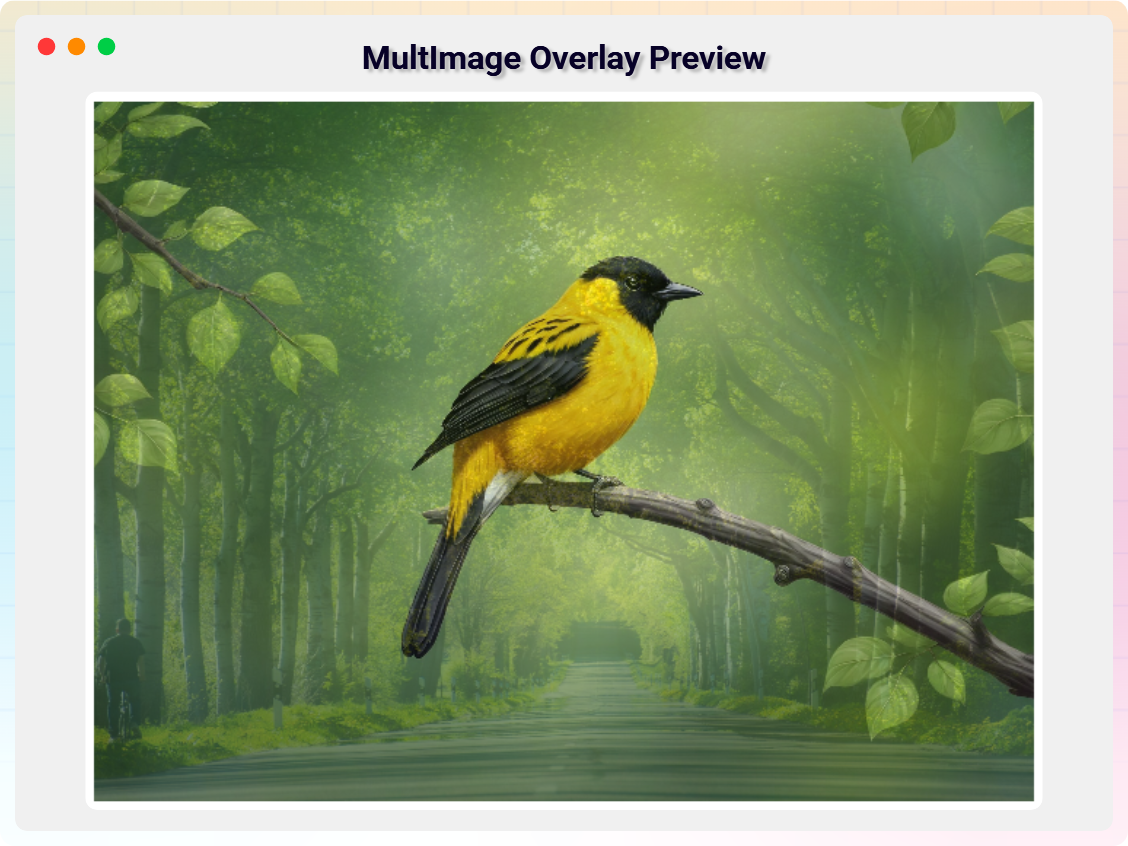
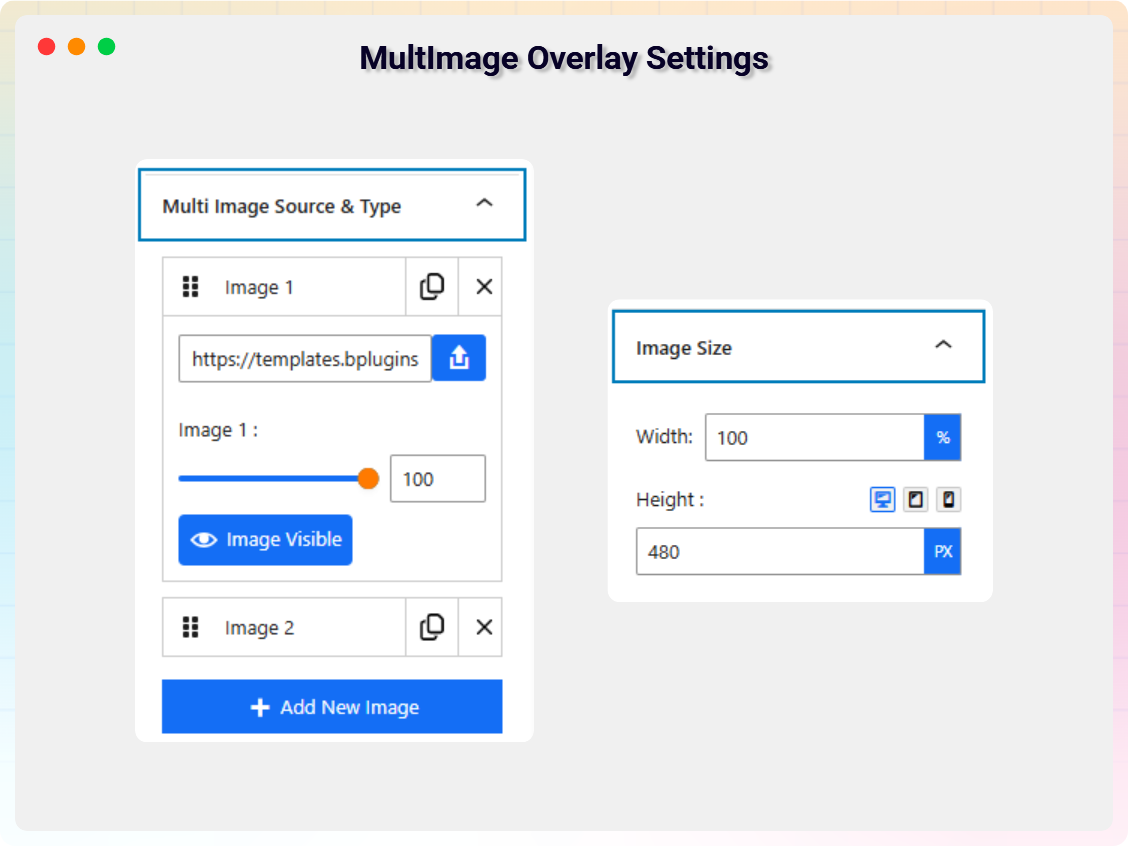
- Multi Image Overlay: Layered overlays with add/delete/duplicate, per-image visibility, opacity control, and precise sizing.
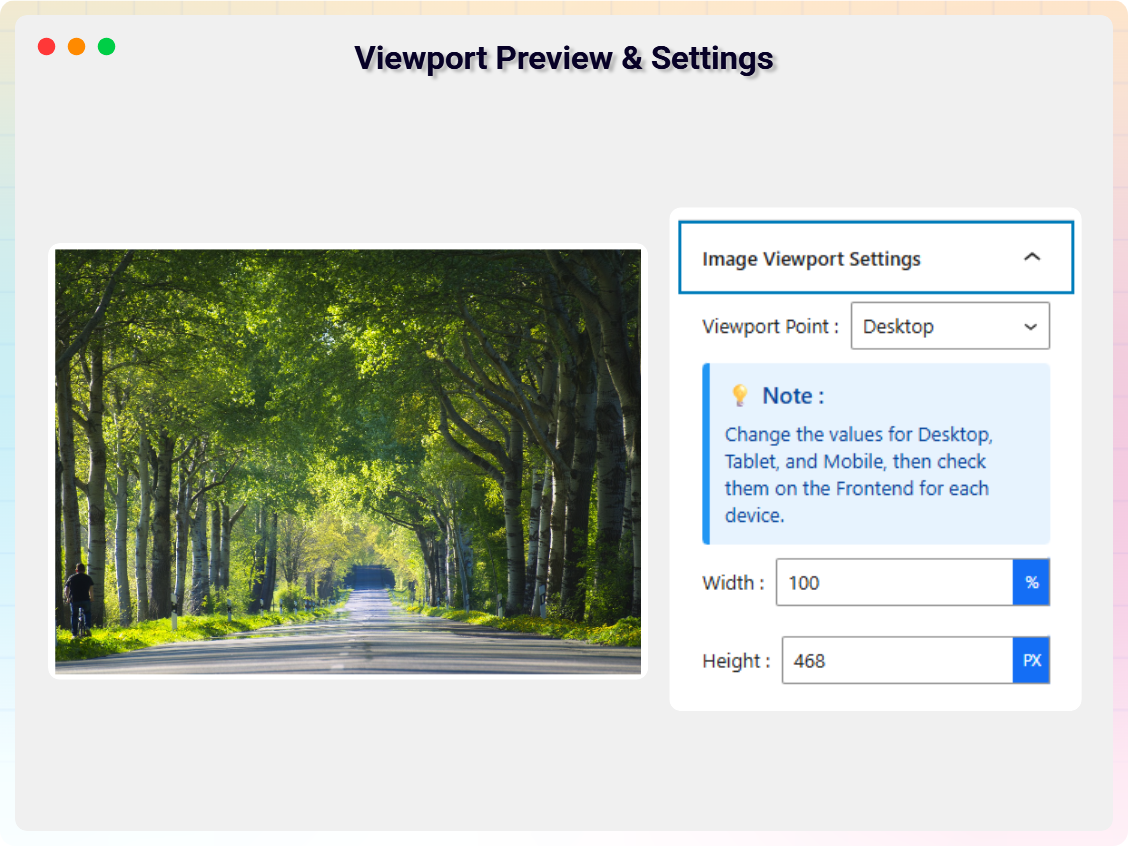
- Image Viewport: Separate width and height settings for desktop, tablet, and mobile.
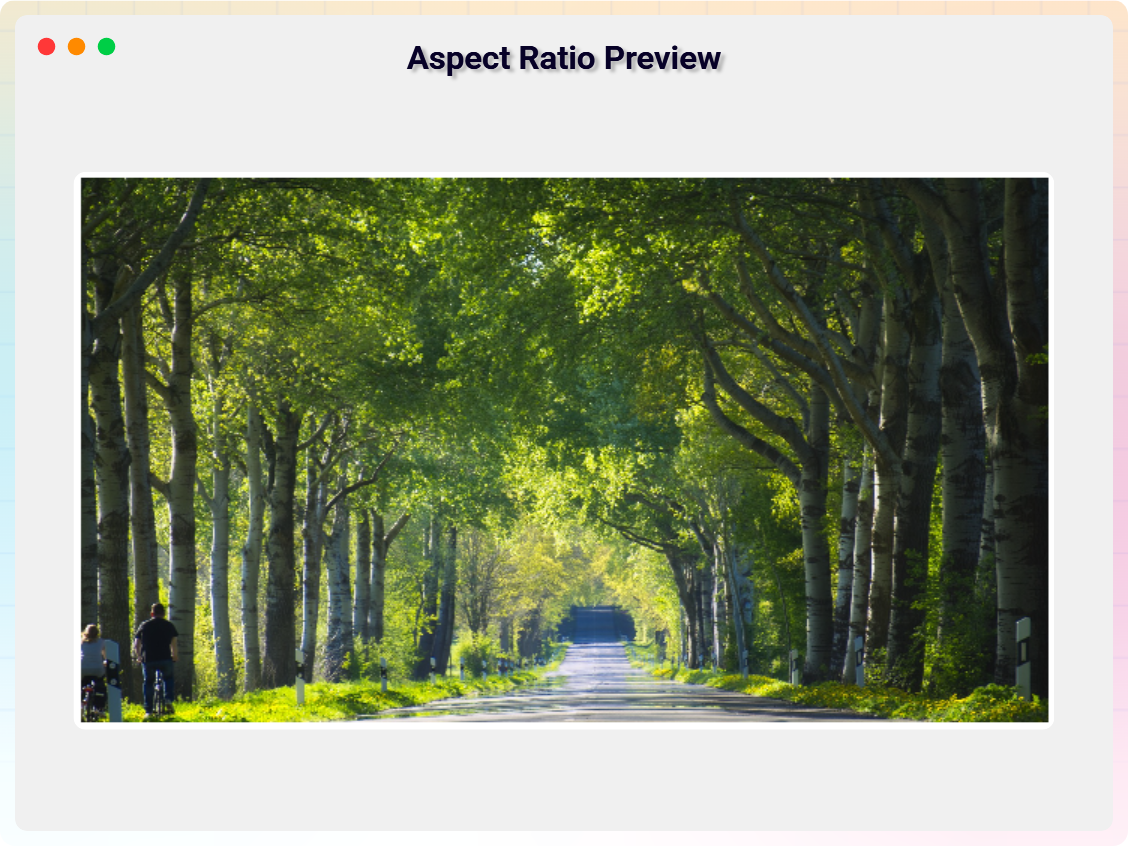
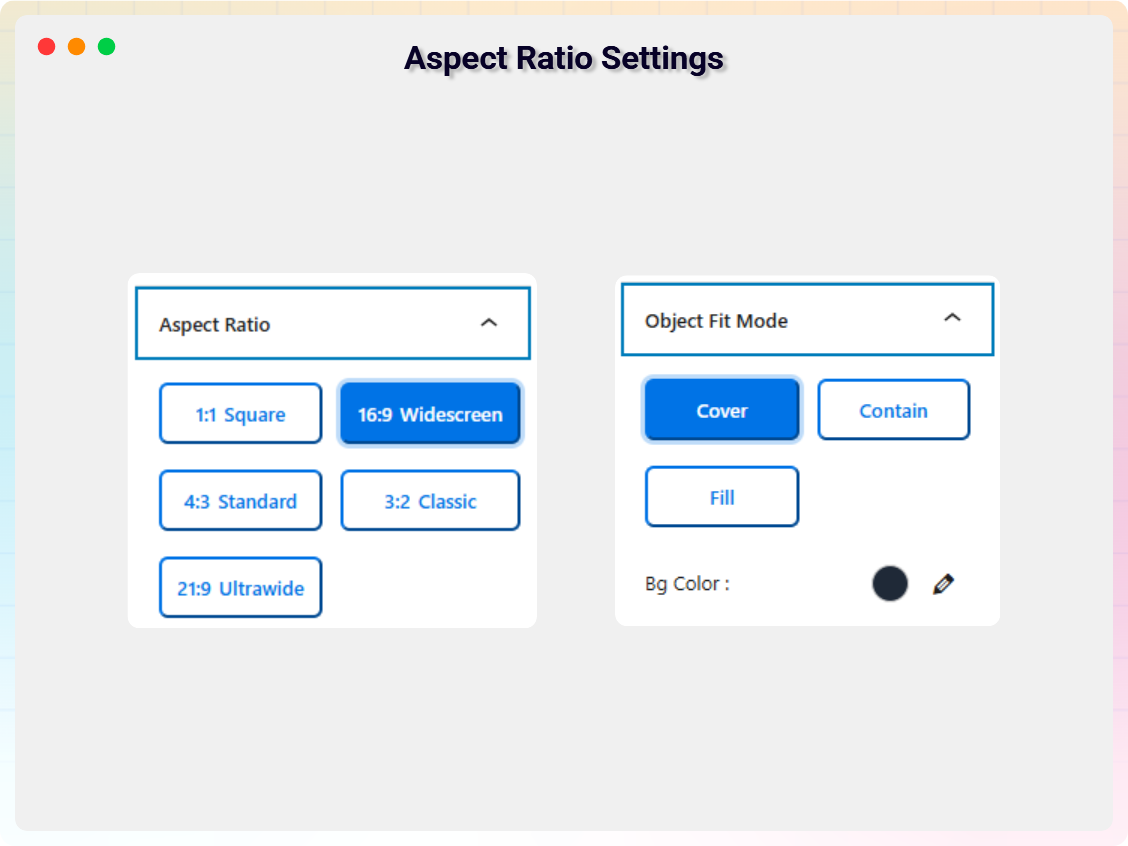
- Image Aspect Ratio: Predefined ratios (1:1, 16:9, 4:3, 3:2, 21:9) with object-fit modes and background color control.
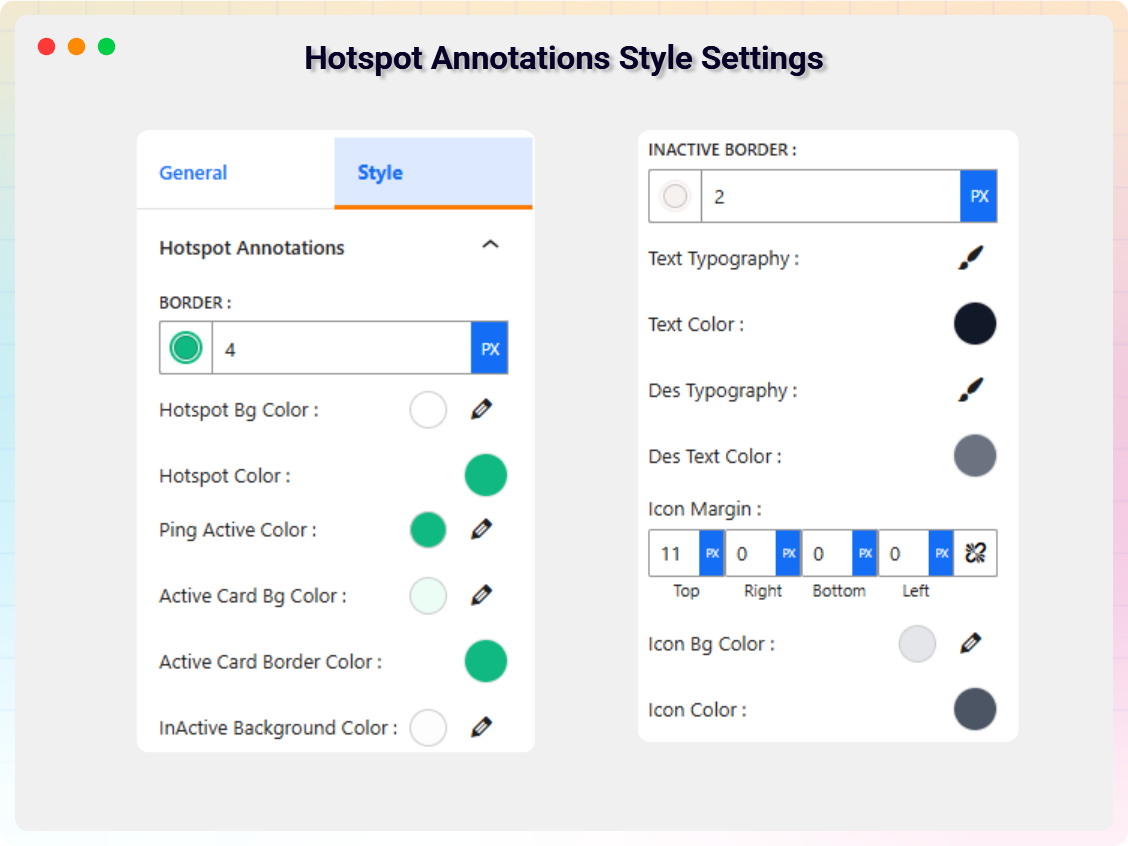
- Custom Styling & Typography: Border radius, backgrounds, shadows, padding, margins, plus font family, size, weight, line height, color, and alignment for titles, labels, and captions.
How to Use – Quick Start
- Install and activate the All In One Image Viewer plugin.
- In the Gutenberg editor, add the Image Viewer block from the “Widgets” block category.
- Pick a viewer mode and adjust settings from the right-side settings sidebar.
- Publish and enjoy!
Use Cases
- eCommerce Stores: Let shoppers zoom and magnify product images before buying.
- Photography Portfolios: Present work with pan, zoom, and professional viewers.
- Real Estate Websites: Highlight property details with hotspots and image maps.
- Education Platforms: Annotate diagrams and visuals with interactive hotspots.
- Agencies & Businesses: Show before/after transformations with the comparison slider.
External Services
This plugin connects to the following external services from the admin dashboard:
bPlugins Products API
- Service URL: https://api.bplugins.com
- Purpose: The plugin’s admin dashboard fetches product comparison data and pricing information to display relevant upgrade options and feature details.
- Data Sent: Only the plugin slug is transmitted; no personal or site data is collected.
- Terms of Service: https://bplugins.com/terms-of-service/
- Privacy Policy: https://bplugins.com/privacy-policy/
Freemius (wp.freemius.com)
- Endpoint: https://wp.freemius.com/
- Used for: Processing plugin opt-in consent form submissions.
- Data sent: Only after explicit user opt-in — user name, email, site URL, WP/PHP version, plugin version.
- Terms of Service: https://freemius.com/terms/
- Privacy Policy: https://freemius.com/privacy/
WordPress.org Plugins API
- Service URL: https://api.wordpress.org
- Purpose: The admin dashboard queries the official WordPress.org Plugins API to retrieve and display a curated list of other plugins by the same author (“Our Plugins” section).
- Data Sent: Plugin slugs and author name; no personal or site data is collected.
- Terms of Service: https://wordpress.com/tos/
- Privacy Policy: https://wordpress.org/about/privacy/
Third-Party Libraries
- Source / GitHub: Bpl-Tools GitHub
- License: GPL-2.0-or-later
- Purpose: Shared utility library providing admin dashboard components and common Gutenberg editor controls.
- External Services: The library may connect to bPlugins, WordPress.org, and Freemius services for product data and checkout functionality. See full details: https://github.com/bPlugins/bpl-tools#external-requests–why-they-are-made
Skærmbilleder


Blokke
Dette plugin giver 1 blok.
- Image Viewer A powerful Gutenberg block plugin that lets you display images with advanced interactive features like zoom, magnify, map view, hotspots, and Comparison Slider.
Installation
From your WordPress dashboard (recommended):
- Go to Plugins Add New.
- Search for “All In One Image Viewer”.
- Click Install Now, then Activate.
- Add the Image Viewer block to any post or page from the Gutenberg editor.
Manual installation:
- Download the Image Viewer plugin (.zip file).
- In your admin area, go to Plugins Add New and click Upload Plugin.
- Choose the
imager-viewer.zipfile and click Install Now. - Activate the plugin through the Plugins menu in WordPress.
FAQ
-
Is All In One Image Viewer free?
-
Yes, it is a free Gutenberg block plugin. A Pro version adds premium viewer styles, the comparison slider, hotspot annotations, masking, and more advanced tools.
-
What viewer modes are included in the free version?
-
The free version includes four viewer modes: Zoom, Magnify, Map, and Rotation – each with its own configuration options.
-
Can I create a before/after image comparison slider?
-
Yes. The Image Comparison Slider is available in the Pro version, with image swap, labels, custom texts, divider icon customization, and optional control buttons.
-
Does it work on mobile and touch devices?
-
Yes. The viewers are responsive and touch friendly, working smoothly on desktop, tablet, and mobile with touch gesture support.
-
Does it work with any WordPress theme?
-
Yes, it will work with any standard WordPress theme.
-
Can I change block settings?
-
Yes, you can change block settings from the Gutenberg block editor’s right sidebar.
-
How many times can I reuse the block?
-
You can use the block unlimited times across posts and pages.
-
Does this block require any coding knowledge?
-
No, this block is beginner-friendly and does not require any coding knowledge to use.
Anmeldelser

Bidragsydere & udviklere
“All In One Image Viewer – showcase images with zoom, pan and compare” er open source-software. Følgende personer har bidraget til dette plugin.
Bidragsydere


Oversæt “All In One Image Viewer – showcase images with zoom, pan and compare” til dit eget sprog.
Interesseret i udvikling?
Gennemse koden, tjek SVN repository, eller abonner på udviklerloggen via RSS.
Ændringslog
1.0.9 – 4 July 2026
- Admin Dashboard: Banner Update.
- New Theme: Interactive Image Accordion.
- Improved: Freemius Pro Detection.
1.0.8 – 11 June 2026
- Fixed XSS security vulnerability.
- Improved i18n translations and labels.
- Resolved namespace conflicts.
- Code cleanup and performance improvements.
- Fixed caching-related performance issues.
- Admin dashboard improvements.
1.0.7 – 4 June 2026
- Updated API version for improved performance and compatibility.
- Improved notice modal UI with a new modern design style.
- Fixed naming consistency issues across the plugin for improved clarity and uniform structure.
1.0.6 – 18 May 2026
- Updated Short code UI for better usability.
- Removed block preview and added Theme Switcher.
- Improved Pro Modal UI design and interaction.
1.0.5 – 4 March 2026
- Added hotspot annotation size and text elements.
1.0.4 – 23 February 2026
- Fixed the scroll wheel issue.
- Fixed the image cropping issue.
- Duplicate styles of hotspot annotation styles have been removed.
1.0.3 – 29 January, 2026
- Added New 8 Premium Image Viewer Styles.
1.0.2 – 17 April, 2025
- Added default image.
1.0.1 – 29 June 2024
- Changed plugin display name, block name, updated banner, and updated feature map.
1.0.0
- Initial Release