
Beskrivelse
Welcome to the Simple Category Filter documentation.
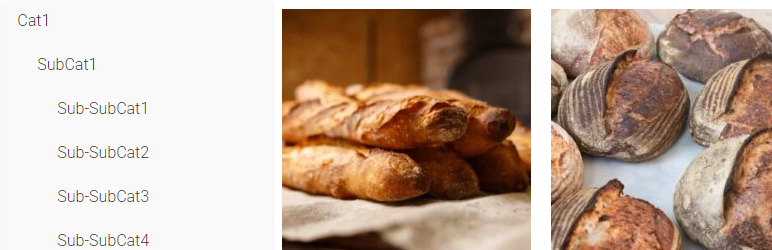
Simple Category Filter plugin can simply filter your woocommerce categories and products.
You can drag it to anywhere you want on Elementor editing page, it should be compatitble with any theme.
Tutorial
- On Elementro editing page, search “Simple Category Filter ” and drag it to anywhere you want.
- Go to wordpress admin panel -> Settings -> Simple Category Filter, you can configure the plugin.
Installation
- Download the Simple Category Filter plugin ZIP file.
- Log in to your WordPress admin dashboard.
- Navigate to the “Plugins” menu on the left-hand side.
- Click on “Add New” at the top of the Plugins page.
- On the Add Plugins page, click the “Upload Plugin” button.
- Choose the downloaded ZIP file and click “Install Now.”
- Once the installation is complete, click “Activate Plugin.”
Anmeldelser
Der er ingen anmeldelser for denne widget.
Bidragsydere & udviklere
“Simple Category Filter” er open source-software. Følgende personer har bidraget til dette plugin.
Bidragsydere
Oversæt “Simple Category Filter” til dit eget sprog.
Interesseret i udvikling?
Gennemse koden, tjek SVN repository, eller abonner på udviklerloggen via RSS.