
Beskrivelse
Tasbeeh Price Editor is a WooCommerce plugin for managing simple product prices in bulk.
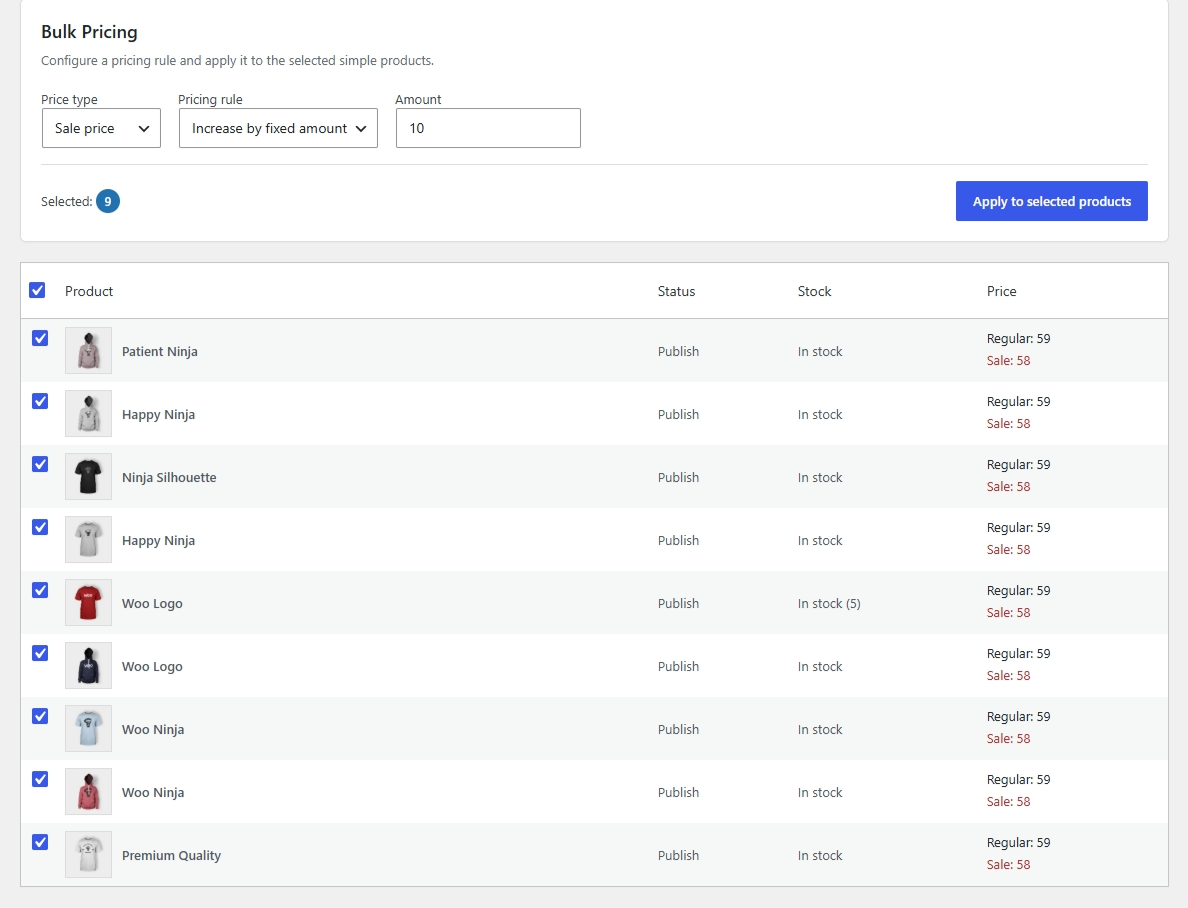
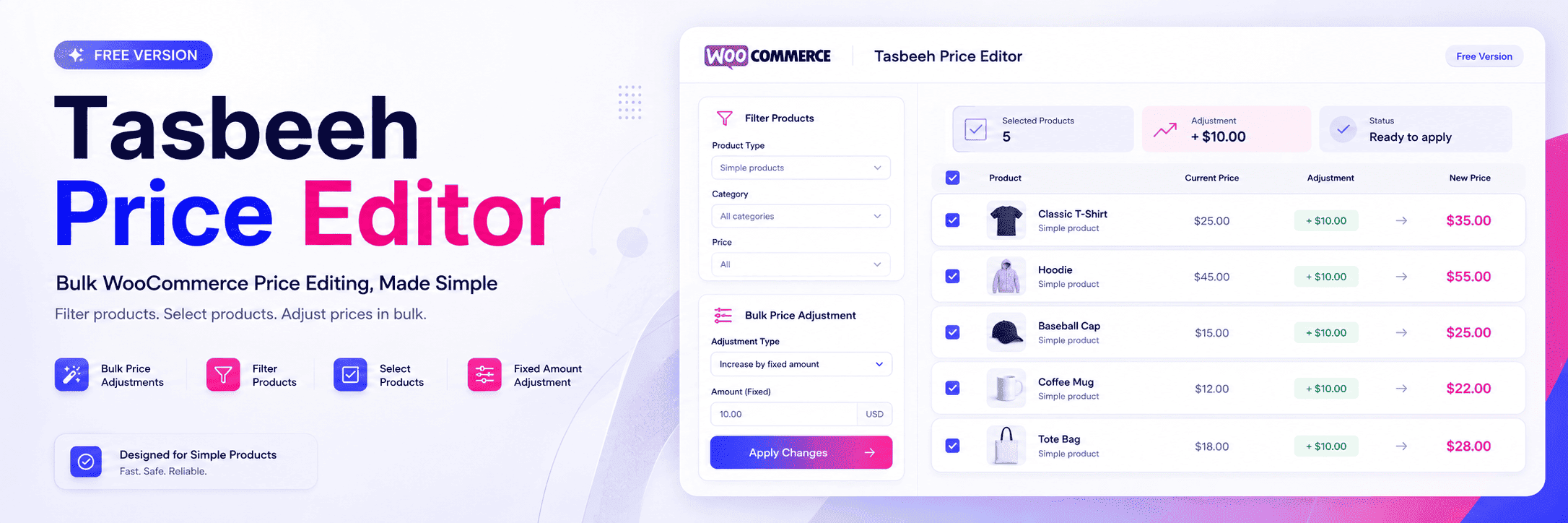
The plugin provides a dedicated administration interface where store owners can filter products, select multiple products, configure a fixed price adjustment, and apply the change in one bulk operation.
The Free version is focused specifically on simple WooCommerce products. Variable products and variations are not supported.
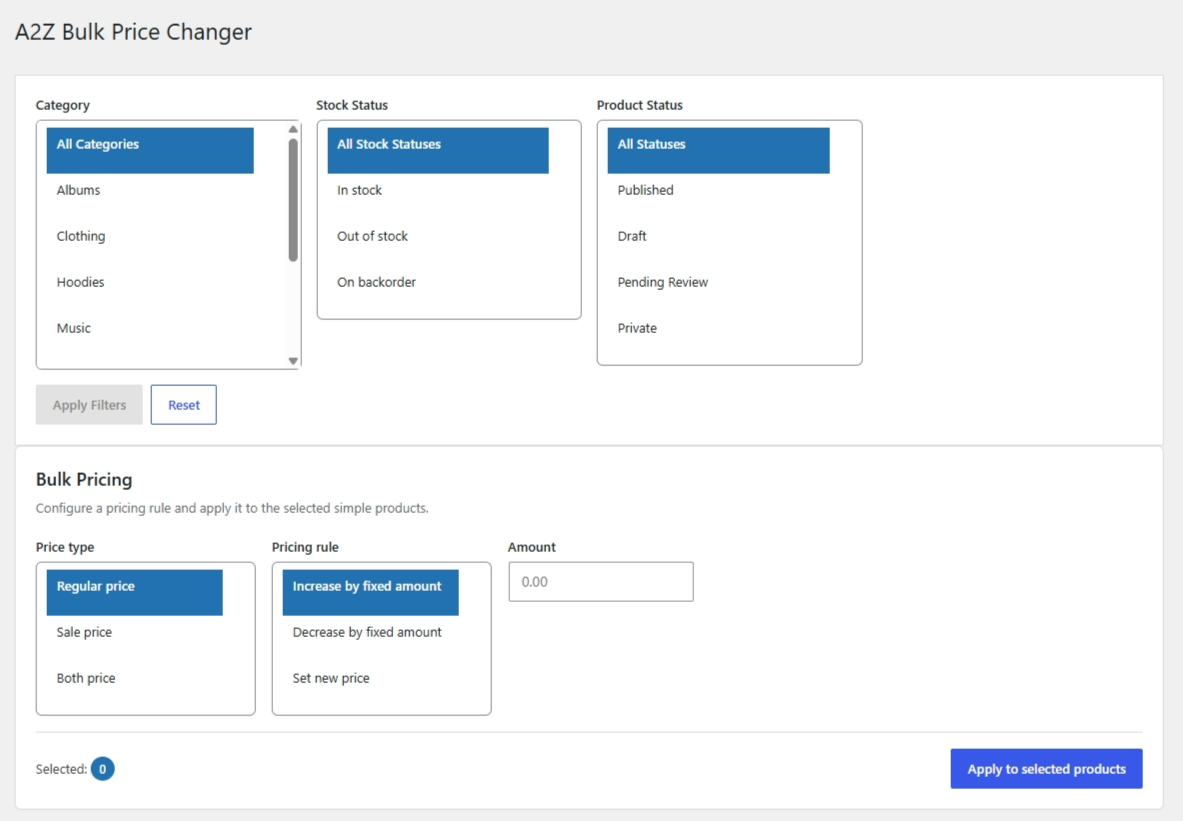
Available filters include category, stock status, and product status.
Price adjustments can be made by either increasing or decreasing the selected products’ prices by a fixed amount.
For more information about Tasbeeh Price Editor and other WooCommerce solutions, visit:
https://a2zwoosolutions.com/
Features
- Bulk price editing for simple WooCommerce products.
- Filter products by category.
- Filter products by stock status.
- Filter products by product status.
- Select multiple products for bulk editing.
- Increase prices by a fixed amount.
- Decrease prices by a fixed amount.
- Dedicated WooCommerce administration interface.
- Apply price changes to multiple selected products in one bulk operation.
Requirements
- WordPress 6.9 or later.
- PHP 7.4 or later.
- WooCommerce installed and activated.
Usage
- Open Tasbeeh Price Editor from the WooCommerce administration menu.
- Use the category, stock status, and product status filters to narrow the product list.
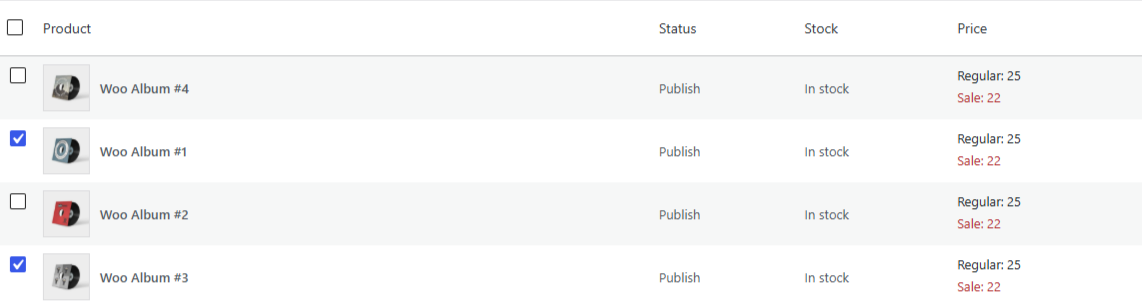
- Select the simple products you want to update.
- Choose whether to increase or decrease the price.
- Enter the fixed adjustment amount.
- Review the selected products and adjustment details.
- Apply the bulk price change.
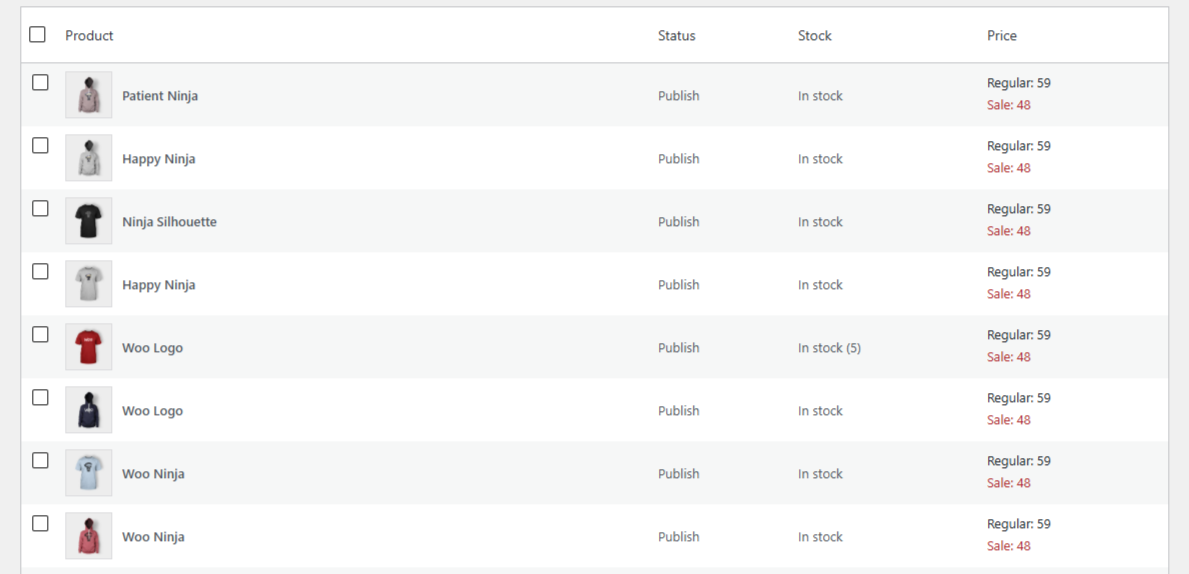
- Review the updated product prices.
Always review the selected products and adjustment details before applying a bulk price change.
Privacy
Tasbeeh Price Editor operates within the site’s existing WordPress and WooCommerce installation.
The plugin does not require an external account or third-party service for its core bulk price editing functionality.
Product and pricing information is managed through WordPress and WooCommerce.
External Services
Tasbeeh Price Editor does not use external services for its core functionality.
The plugin does not require an external API, remote account, or third-party service to filter products or apply price changes.
Support
For support, please use the WordPress.org support forum for Tasbeeh Price Editor.
For more information about A2Z Woo Solutions:
https://a2zwoosolutions.com/
To browse available products:
https://a2zwoosolutions.com/products/
For information about Tasbeeh Price Editor:
https://a2zwoosolutions.com/tasbeeh-price-editor/
When reporting an issue, include:
- WordPress version.
- WooCommerce version.
- PHP version.
- Tasbeeh Price Editor version.
- Description of the problem.
- Steps to reproduce the issue.
- Relevant error messages, if available.
Related Products
A2Z Woo Solutions also offers a Premium WooCommerce pricing solution with additional product management and pricing features.
A2Z Bulk Price Changer Premium:
https://a2zwoosolutions.com/product/woocommerce-bulk-update-prices
You can also browse all available A2Z Woo Solutions products:
https://a2zwoosolutions.com/products/
Skærmbilleder

Installation
- Download and install Tasbeeh Price Editor.
- Upload the
tasbeeh-price-editorfolder to/wp-content/plugins/. - Activate the plugin from the WordPress Plugins menu.
- Make sure WooCommerce is installed and activated.
- Open Tasbeeh Price Editor from the WooCommerce administration menu.
FAQ
-
Does Tasbeeh Price Editor require WooCommerce?
-
Yes. WooCommerce must be installed and activated for Tasbeeh Price Editor to work.
-
Which WordPress versions are supported?
-
The plugin requires WordPress 6.9 or later.
-
Which PHP versions are supported?
-
The plugin requires PHP 7.4 or later.
-
Which products are supported?
-
The Free version supports simple WooCommerce products only.
-
Are variable products supported?
-
No. Variable products and their variations are not supported by the Free version.
-
Which product filters are available?
-
The available filters are category, stock status, and product status.
-
Can I edit multiple products at once?
-
Yes. You can select multiple simple products and apply a fixed-amount price adjustment to them.
-
Can I increase product prices?
-
Yes. You can increase selected simple product prices by a specified fixed amount.
-
Can I decrease product prices?
-
Yes. You can decrease selected simple product prices by a specified fixed amount.
-
Does the Free version support percentage-based price changes?
-
No. The Free version supports fixed-amount price increases and decreases only.
-
Can I search for products?
-
No. The Free version does not include product search functionality. Products can be filtered by category, stock status, and product status.
-
Does the Free version support individual product editing?
-
No. The Free version is designed for bulk price editing rather than individual product price editing.
-
Does the plugin use an external service?
-
No. Tasbeeh Price Editor does not require an external API, remote account, or third-party service for its core functionality.
Anmeldelser
Der er ingen anmeldelser for denne widget.
Bidragsydere & udviklere
“Tasbeeh Price Editor” er open source-software. Følgende personer har bidraget til dette plugin.
Bidragsydere
Oversæt “Tasbeeh Price Editor” til dit eget sprog.
Interesseret i udvikling?
Gennemse koden, tjek SVN repository, eller abonner på udviklerloggen via RSS.
Ændringslog
1.0.0
- Initial release.
- Added dedicated WooCommerce administration interface.
- Added category, stock status, and product status filters.
- Added simple product selection.
- Added fixed-amount price increases and decreases.
- Added bulk price editing for selected simple products.